
Fostry for your browser
Your team's Fostry vault in Edge, Chrome and Firefox: fill a site's sign-in with its saved credentials and one-time codes, or copy them. Secrets are read from your own Fostry when you ask, never saved in the browser.
- Chrome Web Store · coming Chrome, and Edge
- Firefox Add-ons · coming Firefox
- Edge Add-ons · coming Edge
What it does
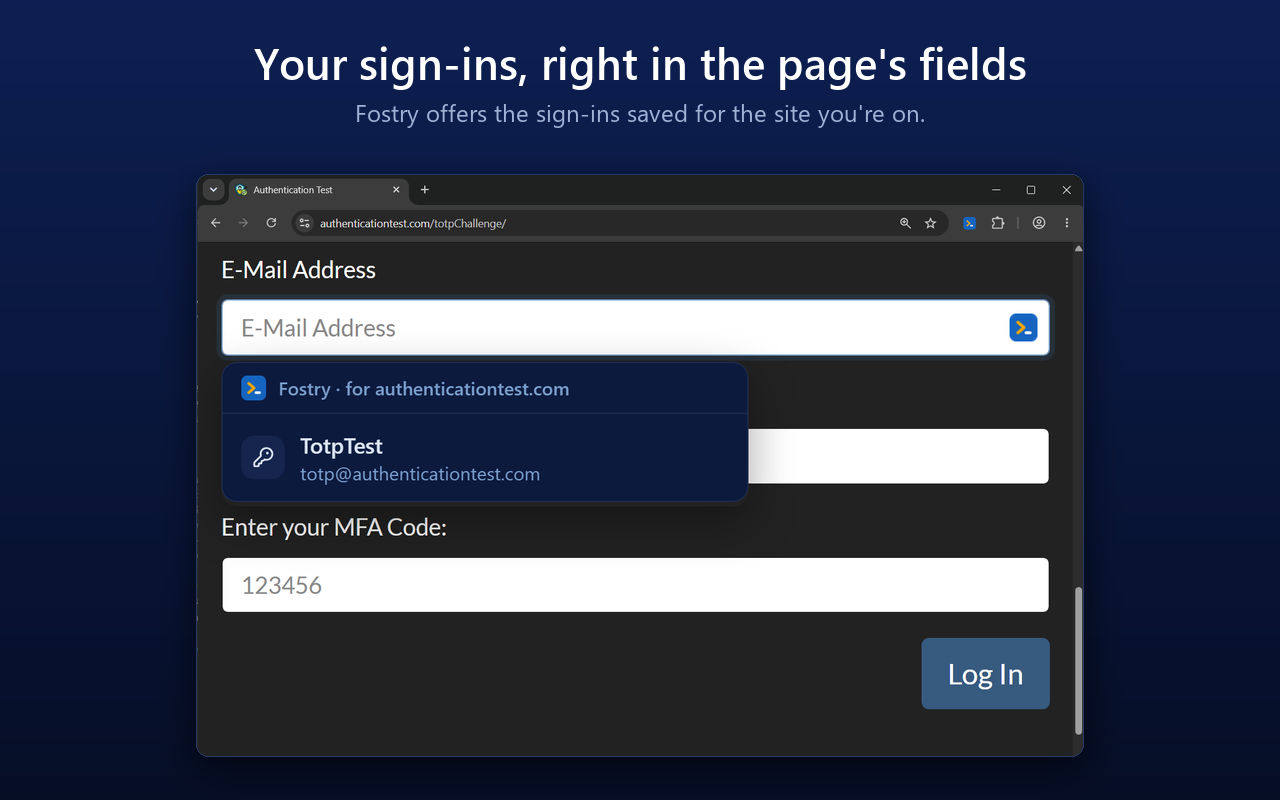
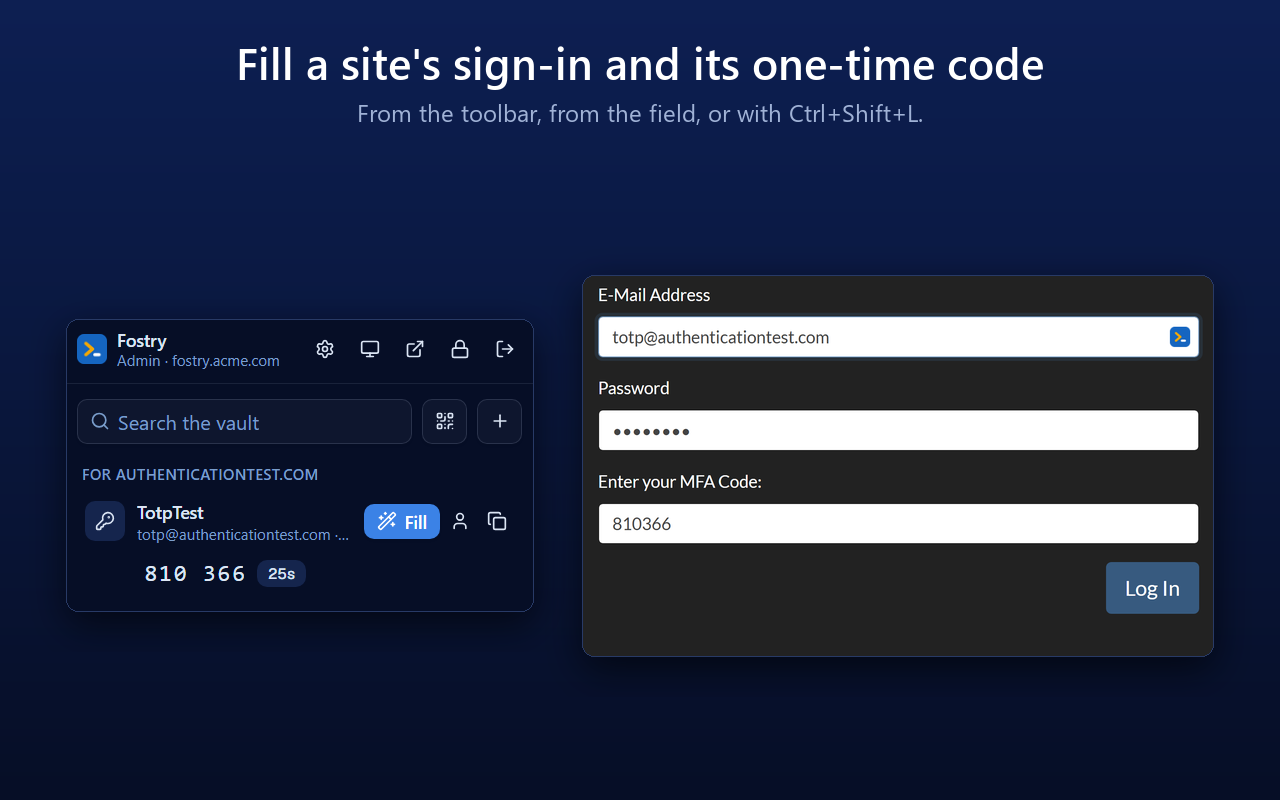
- Sign-ins for the site you’re on: the credentials saved for its address, filled from the toolbar, from the Fostry mark beside the field, or with Ctrl+Shift+L.
- One-time codes, filled or copied. Add one by scanning the QR code on the page.
- Saves as you go: after you sign in somewhere, it offers to save the sign-in to a vault, or to update one that changed.
- Secure notes and links: notes shown as formatted text, and “Save this page as a link” from the right-click menu.
- A search across everything you can open.
Private by design
- You sign in through your Fostry’s own sign-in page, second factor included. No tokens to paste. The session belongs to your profile in Fostry, and you can end it there or in the extension.
- Every secret is read from Fostry only when you ask, and Fostry records it as read from your browser. Nothing is sent anywhere but your own Fostry.
- It locks when the browser starts, when your computer locks, or after 30 minutes away (you can change this). Unlocking signs you in again.
- It asks for little: your Fostry’s address when you connect, and the tab you’re on when you fill it. Offering sign-ins on every site is something you turn on.
It works with Fostry 0.2.0 or later. Its privacy policy is part of Fostry’s privacy policy.